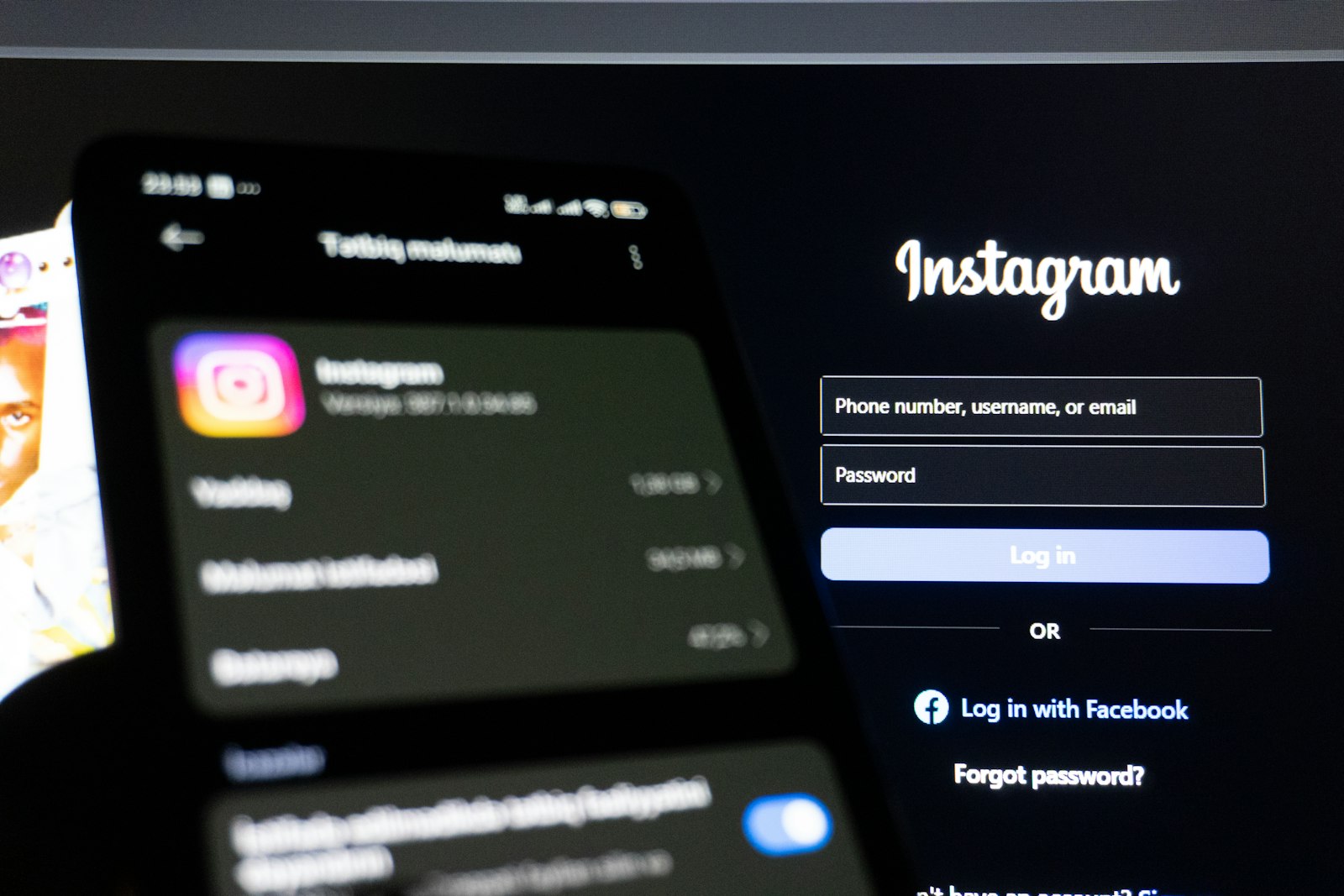
Open any "who unfollowed me on Instagram" app and read their onboarding flow. Within two screens, they'll ask you to log in with your Instagram credentials.
The framing is always the same: it's for convenience, it's secure, thousands of people use it. What they don't explain is why they need your password to show you a list of your own followers, or what they're doing with it once you hand it over.
The Technical Reality
Instagram has a public API, but it doesn't expose follower/following data freely. To pull that information programmatically, these apps authenticate as you using your username and password. That means Instagram's servers see what looks like you logging in from a third-party application and requesting data at scale.
This is explicitly against Meta's Terms of Use. Section 3 of Meta's terms prohibits accessing data through automated means without permission. The Instagram Platform Policy goes further, banning apps from collecting user credentials to impersonate users on their platform.
When Instagram's systems detect this behavior (and they do, at scale), the account flagged is yours. The app continues running. Bans and restrictions from third-party follower trackers are common enough that Instagram's own Help Center addresses them directly.
Why They Ask Anyway
If credential-based access violates TOS and risks user accounts, why does every mainstream follower tracker still require it?
Because credentials are worth something.
An app with access to millions of Instagram login pairs has built something valuable: a dataset of authenticated accounts. Some of these apps have been caught reselling data, using accounts for bot networks, or monetizing the follower graph data itself. Even apps with no malicious intent create a liability. When their servers get breached, your Instagram password is in that dump. If you reuse that password anywhere else, the exposure multiplies.
There Is a Safe Alternative
Instagram is legally required under GDPR to give you a copy of your own data, including your complete followers and following lists, in a portable format. You request it directly from Instagram's settings. They email you a download link. You get a ZIP file with your data.
No app needs your password to read a file you already have.
WhoUnfollowed reads that ZIP file in your browser. The file never leaves your device. The core parsing code is open source under the MPL-2.0 license and public on GitHub. You can verify the behavior yourself before uploading anything.
The Practical Test
Before using any Instagram tool, ask one question: does it need my password to function?
If yes, it is accessing Instagram's systems by impersonating you. Your account assumes all the risk. The app assumes none.
If no, if it works with a data export you control, then the incentive structure is different. The tool only stays useful if you keep using it voluntarily. That's a better alignment than one where your credentials are the product.
How These Apps Work Under the Hood
Understanding the mechanism makes the risk concrete instead of abstract. When you enter your username and password into a third-party tracker, the app doesn't get some special sanctioned access. It uses your credentials to log in exactly as if you had typed them into Instagram yourself, then holds onto the resulting session so it can keep calling Instagram's private, internal API endpoints on your behalf, the same endpoints the official app uses. Instagram's systems don't see "a tracking app checking follower counts." They see your account logging in from an unfamiliar client and hitting endpoints at a rate and pattern no human scrolling the app would produce. That mismatch is exactly what automated abuse detection is built to catch.
Why "Free" Trackers Need a Business Model
A follower-tracking app with no subscription fee and no ads still costs money to run: servers, development, support. If a free app isn't charging you directly, something else is paying for it, and the most common answer is your data. An app holding working Instagram logins for a large user base has something to sell or lease: a dataset of active accounts, a pool of sessions to route automated engagement through, or the follower-graph data itself packaged for marketers. None of this requires malicious intent from day one. It's simply what "free" has to mean when the product has real infrastructure costs and no other revenue.
What Actually Happens When It Goes Wrong
The failure modes aren't hypothetical. Instagram's own Help Center documents account restrictions tied to third-party access, and the pattern is consistent: a burst of automated-looking activity from a login the account doesn't recognize triggers a checkpoint, a temporary action block, or in repeat cases a permanent suspension. None of this requires the app itself to have bad intentions. Even a tracker built in good faith that authenticates too aggressively, or gets flagged as a client Instagram doesn't allowlist, produces the same result for the person whose password it's holding. The account absorbing the consequence is always yours, never the app's.
How to Spot a Risky Tracker Before You Install One
A short checklist catches most of them before you hand anything over:
- It asks for your Instagram username and password within the first couple of screens. This is the single biggest tell. A tool built around the data-export model never needs this.
- It promises features Instagram's own app doesn't offer, like "see who viewed your profile." Nothing legitimate can deliver this, because Instagram doesn't expose profile-view data to anyone, including itself in most cases.
- Permissions or onboarding mention "connecting your account" rather than "uploading a file." Connecting implies ongoing API access. Uploading implies a one-time file read.
- There's no way to verify what it does with your data. A tool with public, auditable source for its data-handling logic (open core) gives you something to check. A closed app asking for your password gives you nothing but a privacy policy to trust.
If You've Already Given a Tracker Your Password
Damage control is straightforward, and worth doing even if nothing looks wrong yet. Go to Instagram's Settings, then "Security," then "Login activity" to see every device and session currently logged into your account, and log out anything unfamiliar. Change your Instagram password, and if you reused that password anywhere else (email, banking, other social accounts), change it there too, since credential-stuffing attacks rely on exactly that kind of reuse. Finally, revoke the tracker's access explicitly under "Apps and websites" in settings if it shows up there. None of this undoes any damage already done, but it closes the door on further access going forward.
Is There Ever a Legitimate Reason to Share Credentials?
Occasionally. Instagram's own official "Meta Business Suite" and verified partner integrations, the kind a large brand or agency might use for scheduling posts, go through Meta's actual OAuth authorization flow rather than a raw username and password field. That flow shows you exactly what permissions you're granting and lets you revoke them from inside Instagram's own settings at any time, and it never has your literal password pass through the third party's servers at all. The distinction that matters isn't "did I authenticate with something," it's whether the authorization happened through Meta's own system, where you stay in control, or through a plain login form owned by the app itself, where you don't.

