Honest takes. No growth hacks. Nothing that gets your account banned.
Your export says you follow them. Instagram says the page isn't available. Nothing is broken: Meta keeps some accounts on record after they disappear from the app. Here's what each case means and what to do.
People now ask chatbots who unfollowed them. The honest answer is that no assistant can see your follower list, and even an AI agent driving your browser cannot tell you who left. Here is why, and what works instead.
Dropping your Instagram export into ChatGPT, Gemini or Claude does work. It also sends a dated map of everyone you know to an AI company. Here is what is in the file, what each assistant does with uploads, and the private alternative.
Scrolling your list, asking a chatbot, password apps, browser extensions, or your own data export. Here is how each one does on accuracy, account risk and cost, and which to use for which question.
Ask Perplexity, Gemini, Copilot, Grok, DeepSeek and Meta AI for the best unfollower app and the lists often do not match. None of them tested the apps. Here is where their answers come from and how to check a tool yourself.
Fifteen short answers to the questions people ask most about who unfollowed them on Instagram and Threads, each linked to the full guide.
A pile of new follower notifications overnight looks like a good morning until you open the list. Empty grids, no bios, usernames ending in a string of numbers. That's not a compliment.
A brand slides into your DMs about a paid post, and somewhere between the excitement and the contract, you remember that brands run their own audits now. Better to know what yours would find first.
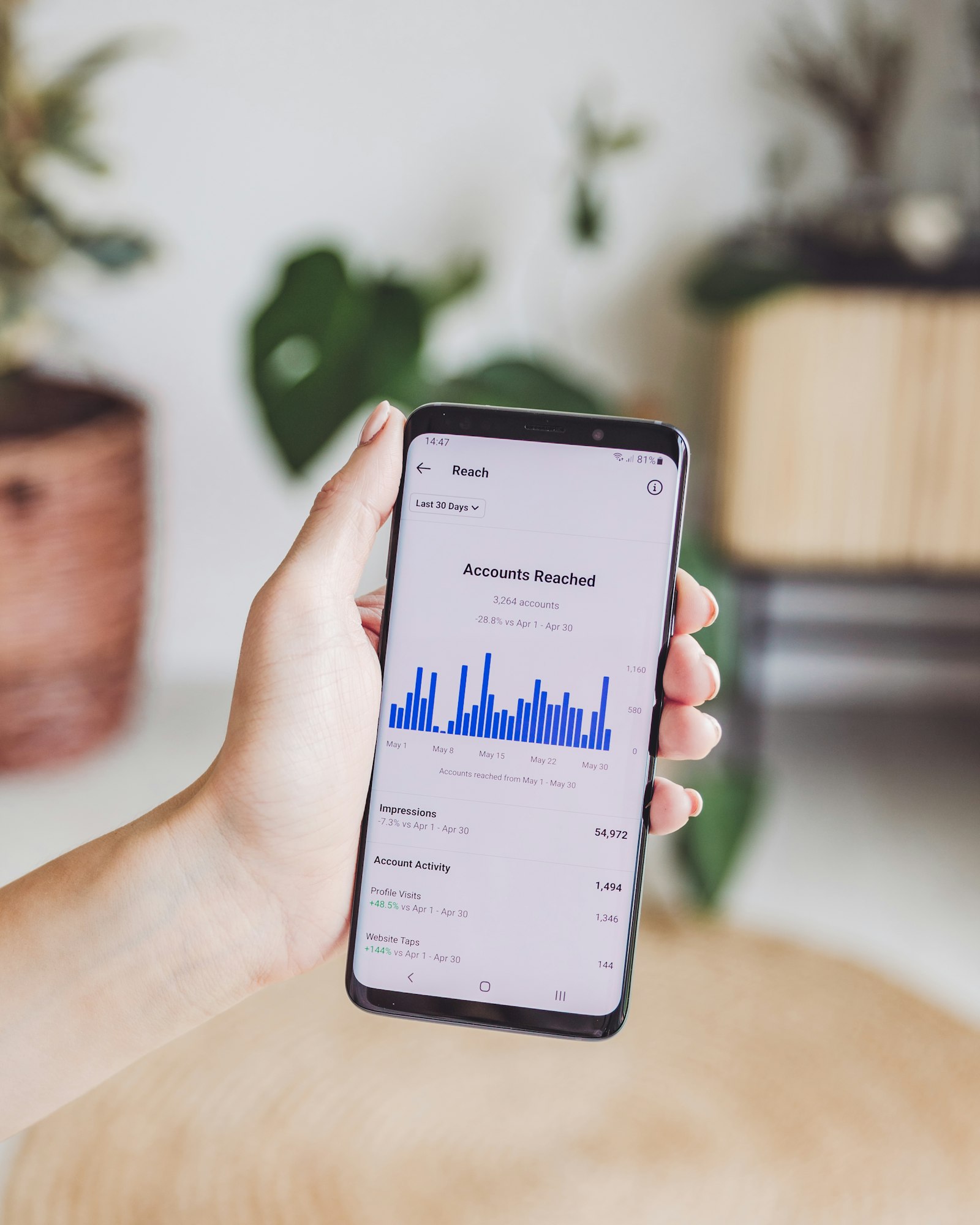
A Reel that used to reach a couple thousand accounts is now landing in front of a few hundred. Your follower count barely twitched. The two numbers feel like they should move together. They don't.
People use "unfollowed me" and "does not follow me back" as if they mean the same thing. They do not, and the difference is why one list is instant and the other needs two snapshots.
You can check who unfollowed you on Instagram entirely from a computer: request your data in the browser, download the ZIP, and drop it onto the page. Here are the steps, and the Mac Safari setting that trips people up.
Threads will not tell you who unfollowed you, so the question is what you can work out yourself at no cost. Here is the honest split between what is free and what is not.
Instagram has no undo button and no unfollow history. If a mis-tap or a fast cleanup cost you a follow you meant to keep, here is the only way to actually find out who, and fix it.
The unfollow worked. Their name is off your following list. So why does their Reel still turn up in Explore a week later? Here is what is actually happening, and it has nothing to do with the unfollow failing.
A Threads data export is a ZIP with a threads folder inside. Three files in it describe your followers and who you unfollowed. Here is what each one holds, what it leaves out, and why you never need to open it by hand.
Threads never shows you the accounts you follow that do not follow you back. One data export from Meta does. Here is how to get the list, what it includes, and what to do with it.
Everything you need to see who unfollowed you on Instagram fits on your phone: request your data, download the ZIP, and upload it. Here are the steps, plus the two mistakes that make uploads fail on mobile.
Threads has no built-in "who unfollowed me" screen, the same gap Instagram has always had. Here is exactly how to request your Threads data from Meta and turn two exports into the list of people who left.
No, Threads does not tell you when someone unfollows you, and it does not tell them when you unfollow either. Here is the full mechanism, the edge cases people assume differently, and how to find out anyway.
No. Even though Instagram and Threads share the same export screen, they produce two separate files covering two separate follower lists. Here is why one export never covers both, and what actually happens if you upload a ZIP that has both inside.
Instagram publishes no limit on how many times you can request your data export, and no cooldown between requests. Here's why requesting a second one isn't a workaround, it's the whole method for seeing who unfollowed you.
WhoUnfollowed's parser only ever opens four specifically named files inside your export. Even if your ZIP also holds messages, photos, or your entire archive, here's exactly what does and doesn't get read, verified in the open source code.
Instagram's own ranking documentation doesn't count your follow list as a reach signal. Here's what actually decides how far your posts go, and the real (different) reasons cleaning up who you follow is still worth doing.
Your Instagram data export has no list of the people who unfollowed you, and one file inside it looks like exactly that until you check what it actually records. Here is the difference, and the method that works instead.
No, and the reason is structural, not a policy promise: WhoUnfollowed never receives your Instagram export in the first place. Here is exactly what happens to the file instead, and how to check it yourself.
If someone unfollows you and follows again before your next export, the comparison will show nothing happened, even though it did. Here is why that gap exists, and the only way to actually catch one.
Tap the Following button on someone's profile and Restrict, Mute, and Unfollow sit together like a spectrum. They are not. Only one of them actually removes the follow relationship, and it is not the one most people reach for first.
You can compare two Instagram follower exports by hand, line by line in a spreadsheet. It works. It also takes an afternoon and is easy to get wrong. Here is the manual method, and the faster one.
Your green-ring Close Friends stories disappearing feels like an unfollow. It usually is not. Here is what actually changes when someone removes you from Close Friends, and how to tell the two apart for real.
Scrolling your follower list looking for who moved or vanished will not tell you who unfollowed you, no matter how you sort it. Here is why the list itself can never show that, and what actually will.
You started posting something different, and the follower count dropped with no explanation from Instagram. Here is what actually happens when your content changes and part of your audience doesn't follow along.
A few followers vanish most days and it rarely means anything. Here is why that happens, and the one way to tell normal background churn from an actual problem.
Unfollowing someone will not trigger anything on their end automatically. Here is how the two follow relationships actually work, and the only way to know if they unfollowed you back.
Flipping your account to private feels like it might cost you followers. It does not. Here is exactly what changes when you go private, and what stays exactly the same.
One Reel did huge numbers and your follower count jumped overnight. Weeks later, a chunk of that jump is gone. It is not personal, and it is not random. Here is the actual mechanism.
Their old profile still loads fine. It is not blocked, not deactivated, and not in your followers anymore either. Here is the fifth explanation nobody accounts for.
A stranger unfollowing you is nothing. An ex unfollowing you is a whole afternoon gone. Here is what the timing of it usually means, and the one way to actually confirm when it happened.
They're gone from your followers list, their old profile loads fine one day and returns nothing the next. That pattern isn't always an unfollow. In 2026 it's often something else entirely.
A creator losing a follower is background noise. A business losing one after a price change or a bad customer exchange is a different signal entirely, and most brand accounts never see it.
You unfollowed someone, thought better of it, and followed them again a few minutes later. Here is whether they noticed anything at all, and the one situation where they actually might.
Unfollowing changes your feed. Removing a follower changes theirs. Blocking does both at once, plus more. Here is exactly what blocking someone on Instagram actually does to your follow status.
Instagram added a feature that sorts who you follow by how little you interact with them. It looks like a built-in cleanup tool, and it kind of is, but it answers a different question than who unfollowed you.
Your account is private for a reason, so handing a random app your login feels worse, not better. Here is why seeing who unfollowed you works exactly the same on a private account, and why the safe method matters even more here.
You unfollow someone, expecting a clean break. Instead they are still right there in your followers list. Here is why that happens: unfollowing and removing a follower are two completely different actions.
Instagram is testing a new creator dashboard that flags followers who have gone quiet. It sounds like the unfollow list creators have wanted for years. Here is what it actually shows, and what it still does not.
Instagram Instants only reach people who still follow you back. If that list looks smaller than it used to, it is not your imagination, someone in it unfollowed you. Here is how the two connect, and how to see exactly who.
You tap unfollow, close the app, and open it again to find you are still following them. This has actually been happening to a lot of people, including several public figures. Here is what is going on.
If your follower count dropped hard in 2026 and you saw people online calling it the "Great Purge," you were not imagining it. Here is what that event actually was, and how to check whether it was bots or real people.
Instagram says one number. Your tracker says another. Neither one is lying to you on purpose. Here is why follower counts drift out of sync, and how to get a number you can actually trust.
Checking who unfollowed you every hour is a fast way to make yourself miserable. Here is a sane cadence based on how you actually use Instagram, and how to stop checking manually altogether.
Every "who unfollowed me" app promises the same thing. Some show wrong data, some want your login, some just stop working. Here is what is really going on under the hood, and what to use instead.
The good news about checking who unfollowed you: done the right way, nobody ever finds out. Here is how to see who unfollowed you on Instagram without them knowing, and without logging in anywhere.
You searched for a free app to see who unfollowed you, and the stores are full of them. Here is what those apps actually cost you, and the genuinely free way that does not touch your password.
Instagram shows your follower count dropping but never the name behind it. An unfollow checker fills that gap. Here is how they work, which are safe, and how to check for free without handing over your login.
Someone follows you, you follow back, and a few days later they are gone. That is not random. It is a known tactic called the follow/unfollow method, and here is how to catch everyone who has pulled it on you.
They're gone from your list and Instagram won't say why. Deactivated, deleted, and blocked leave three different fingerprints. Here's how to read them without logging into anyone's account but your own.
There's no button that unfollows everyone at once. Here is the actual pacing that clears a large list as fast as Instagram allows without tripping a block.
The ZIP Instagram sends you is smaller and simpler than it sounds. Here is exactly what is inside it, file by file, and why the timestamps matter more than anything else in there.
A clean following list beats a big one. Here is how to trim it deliberately, without tripping Instagram's spam limits or losing accounts you actually wanted to keep.
Yes, but you have to know what to actually look for. Plenty of trackers claim to need 'no login' while still asking for your Instagram password somewhere in the flow. Here is the real distinction.
Short answer: the ones that ask for your Instagram login can get your account flagged, checkpointed, or banned. The ones that read your own data export cannot. Here is the difference.
Most are not. The ones that ask for your Instagram login put your account and your data at risk. Here is the checklist to judge any tracker, and the one model that is safe by design.
A focused Followers and Following export usually lands in a few minutes. A full archive can take up to 48 hours. Here is exactly what determines the wait.
Pick JSON. It includes the follow timestamps HTML leaves out, and it is the format analysis tools actually read. HTML is only for eyeballing in a browser. Here is why it matters.
Not directly. Instagram never tells you who unfollowed you and sends no notification. But you can reconstruct it from your own data export by comparing two snapshots. Here is how.
Above 1.0 reads as healthy, and above 2.0 signals genuine pull. But the ratio is a vanity metric with real limits. Here is what a good number looks like, and when to ignore it.
You went to bed at 8,200 followers and woke up at 8,050. Nobody sent you a note explaining it. Here are the actual reasons counts drop overnight, and how to find out exactly who dropped off.
Instagram lets you download a full copy of your own data, including your complete followers and following lists. Here is exactly where the setting is, which format to pick, and what you get.
Cleaning up who you follow is healthy. Doing it too fast, or with the wrong app, is how accounts get temporarily blocked. Here is where the line actually is.
Instagram has no button that shows who you follow but who doesn't follow you back. Here's how to get the exact list in about two minutes, for free, without an app or your password.
Ghost followers are the inactive and fake accounts padding your follower count while tanking your engagement rate. Here's how to find them without a sketchy app.
Short answer: no, Instagram does not send an unfollow notification. Here is the full breakdown of what Instagram does and does not tell people about your actions.
Every popular "who unfollowed me" tool works the same way: they ask for your Instagram password, then use it to call Instagram's API on your behalf. That's a TOS violation. Here's the safe alternative.
Your follow ratio is a single number that signals a lot about your account's health, to the algorithm and to anyone who visits your profile. Most creators don't know what theirs is.
The follower tracking apps that ask for your Instagram password aren't doing it because it's the easiest technical solution. It's because your credentials have value to them.