When Instagram asks whether you want your data export as JSON or HTML, choose JSON. It contains the follow timestamps that HTML strips out, and it is the structured format that analysis tools can actually read. HTML is only useful for scrolling through your data by eye in a browser. If you plan to do anything with the file, JSON is the answer.
Here is what actually separates them.
What JSON gives you that HTML does not
Both formats contain your followers and following lists. The difference is what surrounds each name.
- Timestamps. JSON records the moment each follow happened. That is how a tool can tell a long-tenure follower from a recent one, and how ghost follower approximation works. HTML usually drops this.
- Structure. JSON is machine-readable by design. A parser can load it directly. HTML is a web page meant for human eyes, so tools have to fight the markup to extract anything.
- Size and speed. JSON is lean. HTML wraps every entry in layout code, making the file bigger and slower to process.
When HTML is fine
Exactly one case: you only want to open the file yourself and read it in a browser, with no tool involved, and you do not care when anyone followed you. For anything beyond casual reading, it falls short.
What the JSON actually holds
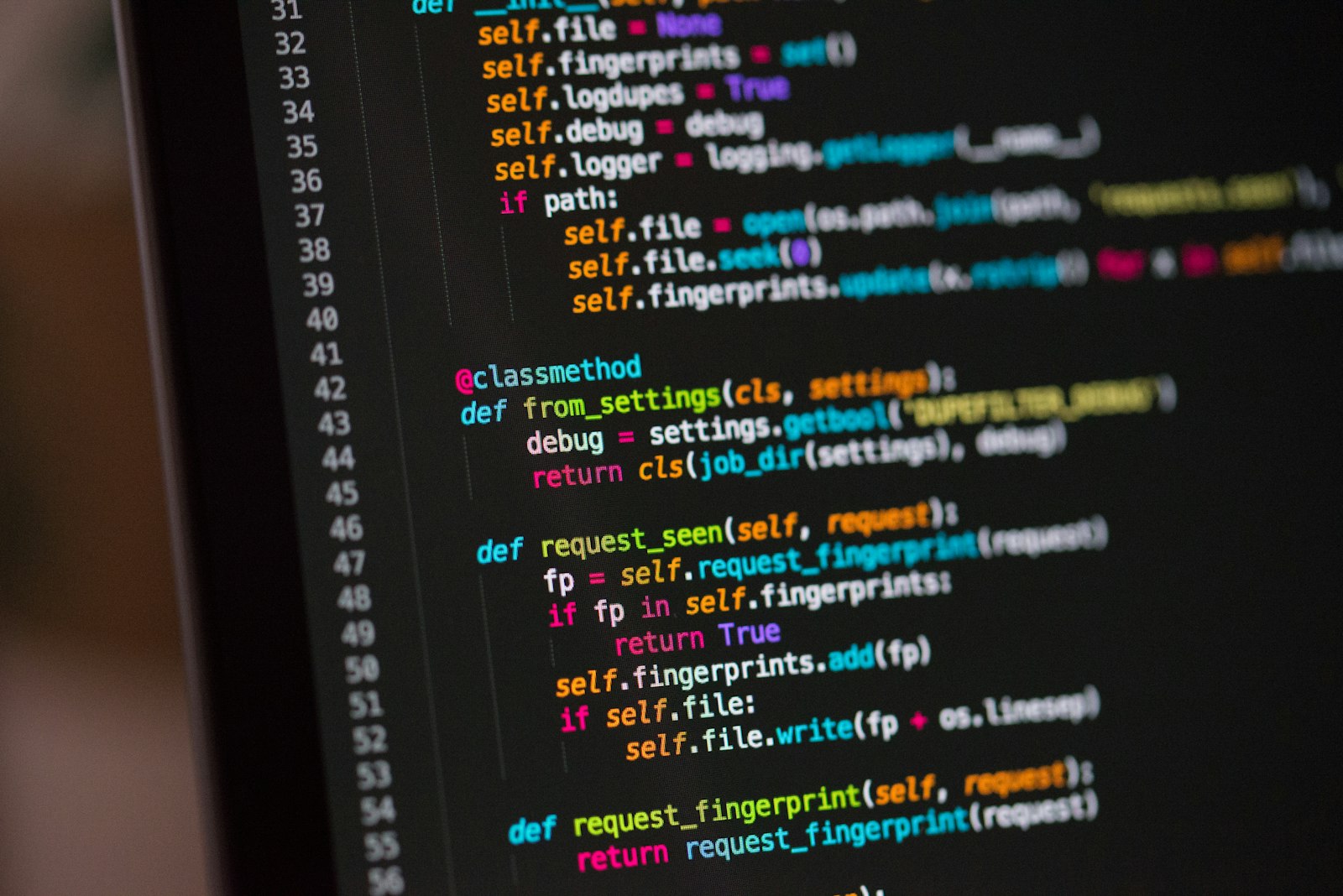
You never have to read it yourself, but here is the shape. Each entry is a small block holding the username, a link to the profile, and a timestamp marking when the follow happened. That timestamp is the useful part. It is a Unix time value, and it is what lets a tool sort your followers by how long they have been with you.
Picking JSON in the export flow
When you request your data, Instagram shows a format toggle. Set it to JSON, select only Followers and Following, and choose the All time date range. Step-by-step screenshots are in how to download your Instagram data.
Then what?
Drop the JSON export into WhoUnfollowed. It reads the file in your browser, matches your followers against your following, and shows who does not follow you back in about two seconds. Nothing is uploaded, no password is involved, and because you picked JSON, the follow timestamps come through for the deeper analysis.

