
Your follower count says 8,000. Your posts get 90 likes. Something doesn't add up, and the gap usually has a name: ghost followers.
Ghost followers are accounts that follow you but never engage. Some are abandoned profiles. Some are bots from a long-forgotten follow-for-follow phase. Some are fakes you never bought but inherited when a giveaway or a shoutout sent a wave of junk accounts your way. They inflate the number at the top of your profile and quietly poison the metric that actually matters.
Why ghost followers hurt more than they help
Instagram does not rank you by follower count. It ranks individual posts by how the people who see them react, mostly in the first hour. That is your engagement rate, and it is closely tied to your follow ratio: interactions divided by reach.
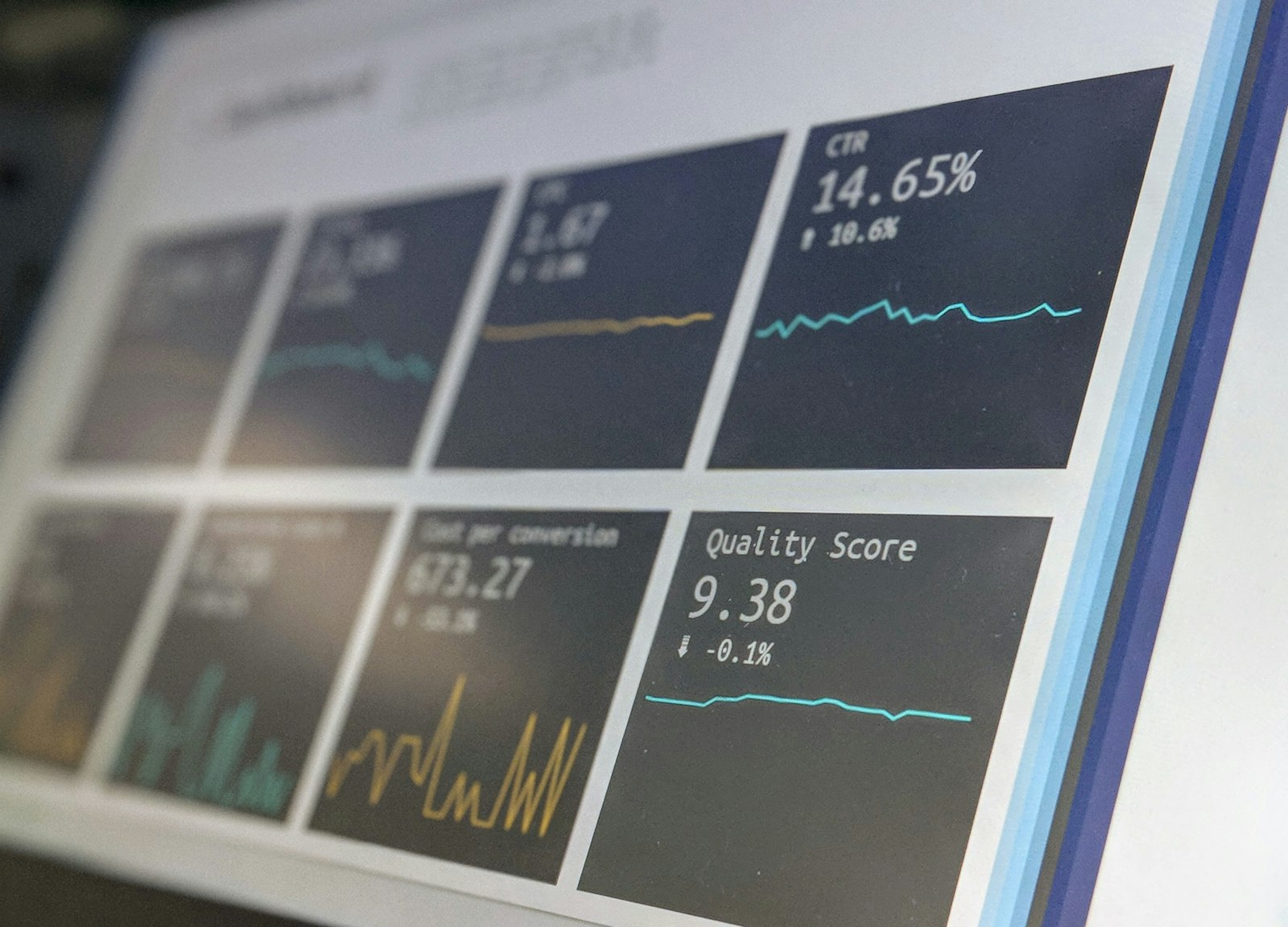
Ghost followers sit in the denominator and never touch the numerator. Every dead account that follows you makes your engagement rate look worse to the algorithm, which then shows your post to fewer people, which lowers engagement further. A bloated follower count with a thin engagement rate also reads as bought to brands, which is the opposite of what you want if you ever pitch a partnership.
The honest part: you can't get a perfect list
Instagram does not hand anyone a verified "these are bots" list, and any app that claims a 100% accurate ghost-follower scan is guessing or lying. What you can do is approximate, using signals that genuinely correlate with dead accounts.
The strongest signal you fully control is in your own data export: accounts that followed you a long time ago with no reciprocal relationship. Old, one-directional, and silent is the classic ghost profile.
How to find them from your own data
You don't need to log in anywhere or pay for a scanner. Instagram is required under GDPR to give you your own follower data.
Step 1: Export your data
In Instagram, go to Settings, then "Your activity," then "Download your information." Choose "Followers and following," pick JSON, and submit. The download link arrives by email, usually within a few hours.
Step 2: Read it locally
Drop the ZIP into WhoUnfollowed. It reads the file in your browser and maps your followers against your following, including how long each relationship has existed. Nothing is uploaded.

Step 3: Review the approximations, don't bulk-blast
WhoUnfollowed flags long-tenure, non-reciprocal followers as likely-inactive candidates. Treat that as a shortlist to review, not a kill list to run automatically. Open a few profiles. An account with no posts, no profile photo, and a username full of random digits is a safe remove. A quiet friend who just never likes anything is not.
Removing them without getting flagged
Two safe ways to clear a ghost follower:
- Remove the follower. Open their profile, tap the menu, and choose "Remove follower." They drop off your count without being notified or blocked.
- Block then unblock. This force-removes stubborn bot accounts. Use it sparingly.
Whatever you do, go slowly. Instagram's systems flag accounts that remove or block in rapid bursts, the same way they flag aggressive following. A handful of removals across a session is fine. Hundreds in ten minutes is a way to get yourself restricted.
The realistic outcome
Clearing ghosts will probably shrink your follower number. That feels bad for a day. What you get in exchange is an engagement rate that reflects real people, which is the number the algorithm and any serious brand actually care about. A smaller, real audience beats a big, hollow one every time.

