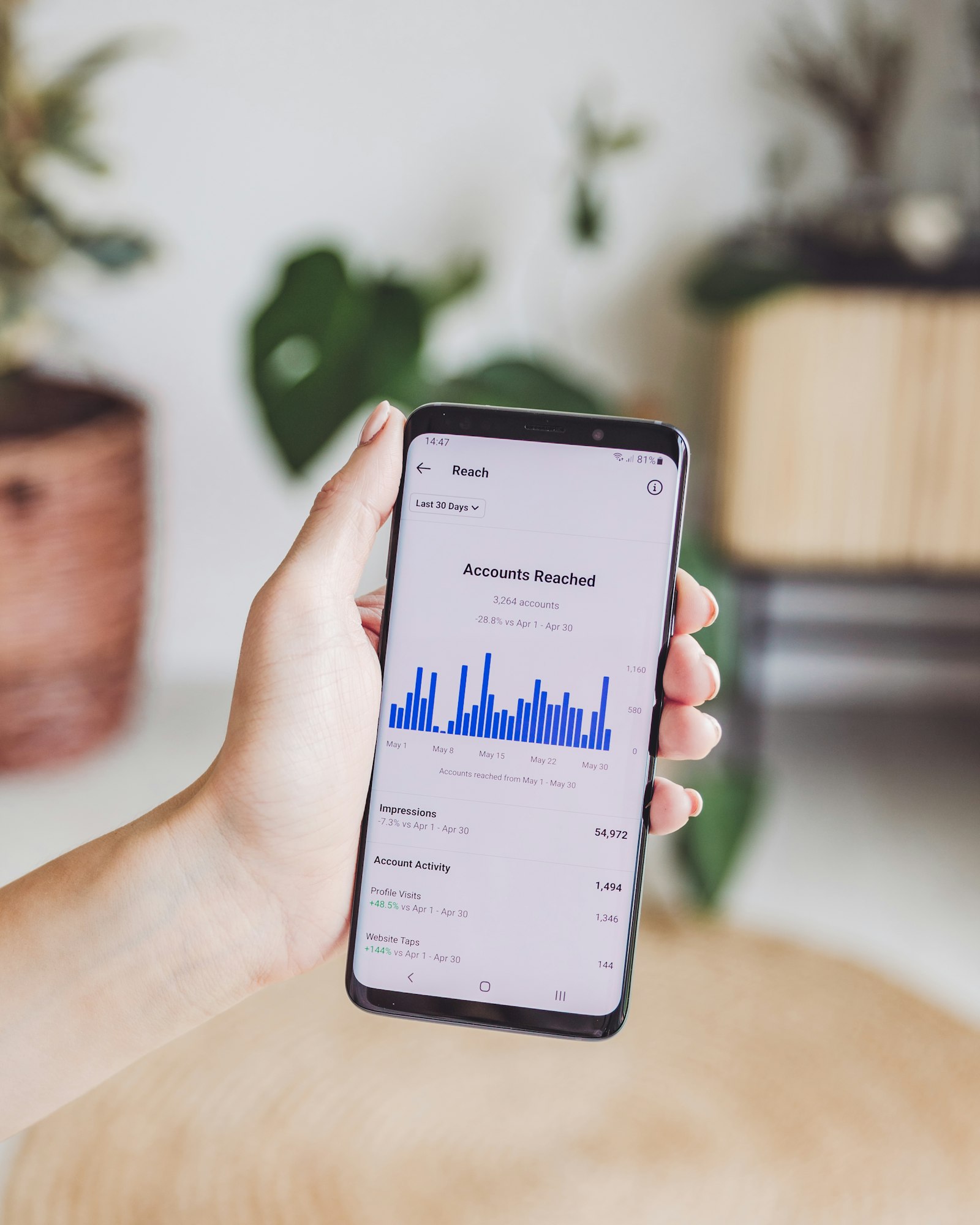
The short answer: Instagram will not tell you who unfollowed you, but you can see it yourself by comparing two exports of your own data over time. No password or third-party app required.
If you typed "who unfollowed me instagram" into Google hoping for a direct answer, you're not alone. It's one of the most common searches around this problem, and Instagram simply doesn't have a built-in screen for it. The method below is the closest thing to that answer that actually exists.
Most follower trackers work fine, right until your account gets flagged, restricted, or permanently disabled.
The reason is straightforward. These tools ask for your Instagram password so they can log in as you, call Instagram's private API, and pull your follower data. Instagram explicitly bans this in its Terms of Use. When their systems detect unusual API activity (and they do), the account that gets punished is yours, not the app's.
There is a safer way. Instagram is legally required to give you a copy of your own data under GDPR Article 20. That includes your full followers and following lists. You request the file directly from Instagram's settings, download it, and hand it to a tool that reads it locally in your browser. No password. No API. No risk.
Step 1: Request Your Data Export from Instagram
Open Instagram on mobile or desktop. Go to Settings, then "Your activity," then "Download your information." Select JSON format, not HTML. Choose "Followers and following" from the data categories. Submit the request.
Instagram typically delivers the export within a few hours, though it can take longer for larger accounts. You'll get an email with a download link.
Step 2: Download the ZIP File
Click the link in the email and download your file. It's a ZIP archive containing your account data. The files you need are inside the `connections/followers_and_following/` folder.
Step 3: Upload the ZIP to WhoUnfollowed
Go to whounfollowed.co and drop your ZIP into the upload zone. The app reads the file entirely inside your browser. Nothing is sent to a server. You can disconnect from the internet before uploading if you want to verify this yourself.
If you want to see who specifically unfollowed you between two points in time, upload a second ZIP from a later date. WhoUnfollowed diffs them and shows you exactly who dropped off.
What You'll See
- People you follow who don't follow you back
- New followers since your last export
- Mutual followers
- Unfollowers (when comparing two exports)
Why This Approach Is Different
Search "instagram unfollow tracker" and almost every result asks for your login before showing you anything. That's not an oversight in their product design. Credential access is often how they build their data business. WhoUnfollowed was built specifically to not need it. The ZIP your Instagram account generates is already yours. We just read it, entirely on your device, with no login step anywhere in the process.
Is there an app to see who unfollowed you on Instagram?
Yes. WhoUnfollowed is exactly that: an app, not an Instagram feature, built for the sole purpose of showing you who unfollowed you. Some people search for this as an "unfollow checker," others call it a tracker, but it's the same job either way: comparing two exports and showing you the difference. The difference from most of the results you'll find searching for one is what it asks of you first. Password-based apps want your Instagram login before they show you anything. This one only asks for the ZIP file Instagram already emailed you, and it reads that file in your browser rather than sending it anywhere.
Why Instagram Doesn't Just Show You This Directly
It's a fair question. Instagram already has both lists internally, follower and following, so a "who unfollowed me" screen is well within its technical reach. It doesn't build one, and the likely reason is behavioral, not technical. Surfacing every unfollow would turn a quiet, low-friction action into a visible, socially charged one. People would think twice before unfollowing an ex, an old coworker, or a brand they got tired of, and that friction cuts against Instagram's interest in people following and unfollowing freely. The gap between what the platform could show and what it does show is exactly the space that data-export tools fill.
Non-Followers, Unfollowers, and Ghosts: Know the Difference
These three terms get used interchangeably, but they describe different things and knowing which one you actually want to see saves time.
- Non-followers are accounts you currently follow that have never followed you back. You can find this from a single export. No history needed.
- Unfollowers are accounts that followed you at some point and stopped. Finding these requires two exports taken at different times, so the tool can diff them and show you who dropped off the list.
- Ghost followers are accounts that still follow you but show no sign of being an active, engaged person: no posts, no profile photo, or a long-dormant history. They're a subset of your followers, not your following, and they matter for engagement rate more than for the unfollower question. See our full breakdown of ghost followers if that's what you're actually trying to solve.
If your goal is specifically "who stopped following me," you want the unfollowers workflow, which means keeping at least two exports on hand.
How Often You Should Actually Check
There's no need to export weekly. For most accounts under 10,000 followers, natural churn is small day to day, and checking too often just means comparing snapshots that barely differ. A monthly export is enough to catch meaningful movement without turning it into a habit you obsess over. The exception is right after something notable: a viral post, a public controversy, or a big content pivot. Those are the moments worth a fresh export on both sides, since that's when unfollows cluster.
Mistakes That Waste the Effort
A few habits undercut the whole point of doing this safely:
- Requesting HTML instead of JSON. HTML is fine to skim by eye but strips the timestamps that make comparison reliable. Pick JSON every time, covered in more depth in our JSON vs HTML breakdown.
- Only ever taking one export. A single snapshot tells you who doesn't follow you back right now. It cannot tell you who unfollowed you, because there's nothing to compare it against.
- Deleting the old export after checking it once. Keep your last few exports somewhere safe. They're small JSON files, and having them on hand is what makes the next comparison possible.
- Falling back to a password-based app out of impatience. The official export can take a few hours. That wait is the entire reason the safe method has zero ban risk. Skipping it defeats the purpose.
Quick Answers
Can I see who unfollowed me today, right now, with no prior export? No. Without a previous snapshot to compare against, there's nothing to diff. The earliest you can start tracking unfollowers is from your very next export forward.
Does this work for private accounts? Yes. Your data export includes your own followers and following lists regardless of whether your account is public or private, since it's your data either way.
Will the person know I checked? No. Reading your own export is entirely local to your device and involves no interaction with the other account at all. It's the same privacy profile as looking at your own following list, just organized usefully.
Is there a limit to how often I can request an export? Instagram doesn't publish a hard cap, but requesting one every day is unnecessary and slow to process anyway. Monthly is a reasonable cadence for most accounts.
What if I only have one export and want to check right now? You can still see everything except unfollowers: your current non-followers, your mutuals, and your full following list broken out clearly. That's genuinely useful on its own. The unfollower-specific view is the only piece that has to wait for a second export.
Does this method work on accounts with hundreds of thousands of followers? Yes, though the export itself gets paginated into multiple files (`followers_1.json`, `followers_2.json`, and so on) rather than one giant file. A tool built to read the export format handles the merge automatically, so it makes no practical difference to how you use it.
If a tool asks for your Instagram password, close the tab.