
Instagram makes this deliberately hard. There is no button that shows you the people you follow who don't follow you back. You can open your following list and check profiles one at a time, but on an account with a few hundred follows that is an evening you will not get back.
The accounts you are looking for have a name: non-followers. These are people you follow who don't follow you in return. They are not the same as unfollowers, who are accounts that used to follow you and stopped (finding those takes two exports compared over time). Non-followers you can find right now, from a single file, in about two minutes.
Here is how, without an app and without ever typing your Instagram password.
Skip the apps that want your login
Search "who doesn't follow me back" and the app stores fill with trackers that ask you to log in with your Instagram username and password. Don't. Those apps work by logging in as you and pulling data through Instagram's private API, which breaks Instagram's Terms of Use and is a common reason accounts get restricted or banned. The account taking the risk is yours. The app takes none.
You do not need any of that to read a list of your own follows.
Use the data Instagram already owes you
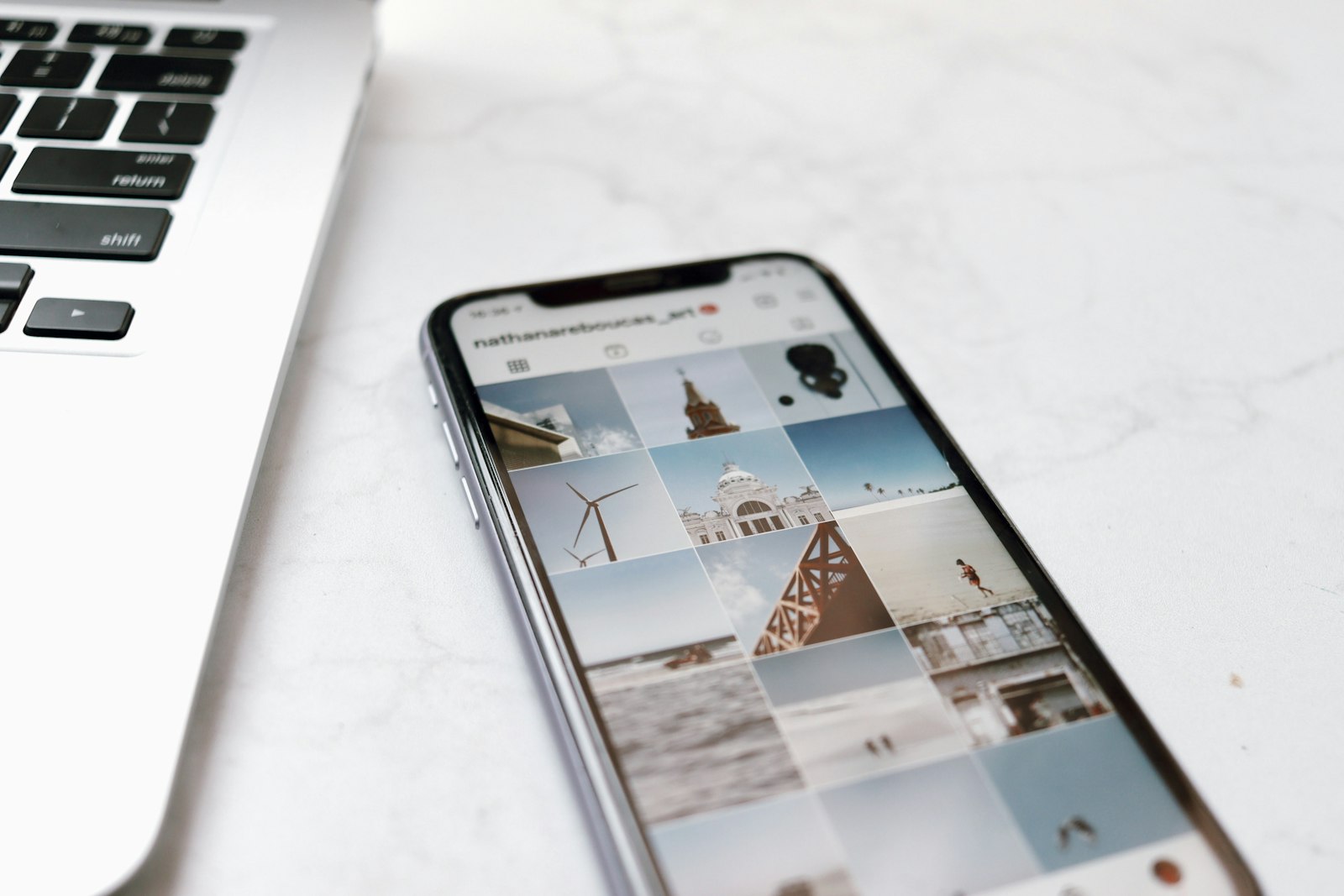
Under GDPR Article 20, Instagram has to give you a copy of your own data, including your full followers and following lists. You request it from inside the app, Instagram emails you a download link, and you get a ZIP file. That file is everything you need.
Step 1: Request your export
Open Instagram. Go to Settings, then "Your activity," then "Download your information." Choose "Followers and following," set the format to JSON, not HTML, and submit. Instagram usually emails the link within a few hours.
Step 2: Download the ZIP
Open the email, download the file, and keep it somewhere you can find it. The lists you need live inside the `connections/followers_and_following/` folder, but you don't have to open anything yourself.
Step 3: Drop it into WhoUnfollowed
Go to whounfollowed.co and drop the ZIP onto the page. It reads the file inside your browser tab and shows you, on one screen, every account you follow that doesn't follow you back. No login, nothing uploaded. You can turn off your wifi before you drop the file in and it still works, which is the simplest way to prove the data never leaves your device.
What to do with the list
Seeing the names is the start. The goal is a cleaner, more mutual account.
- Separate the ones that matter. Brands and creators you follow for content are fine to keep. The accounts worth reviewing are the people you followed expecting a follow back.
- Watch your ratio. Following far more people than follow you reads as low-effort to both the algorithm and to anyone who lands on your profile. Trimming non-followers moves the number in the right direction.
- Work in one pass. WhoUnfollowed hands you the full list at once and opens profiles in new tabs, so you can triage in a single sitting instead of hunting one by one.
The honest version
This will not magically grow your audience. What it does is remove the guesswork. Instead of wondering who is and isn't following you, you get the exact list in a couple of minutes, for free, without handing your password to anyone.
If a tool asks for your Instagram login to do this, close the tab. The file Instagram gives you is already yours. A good tool just reads it.

