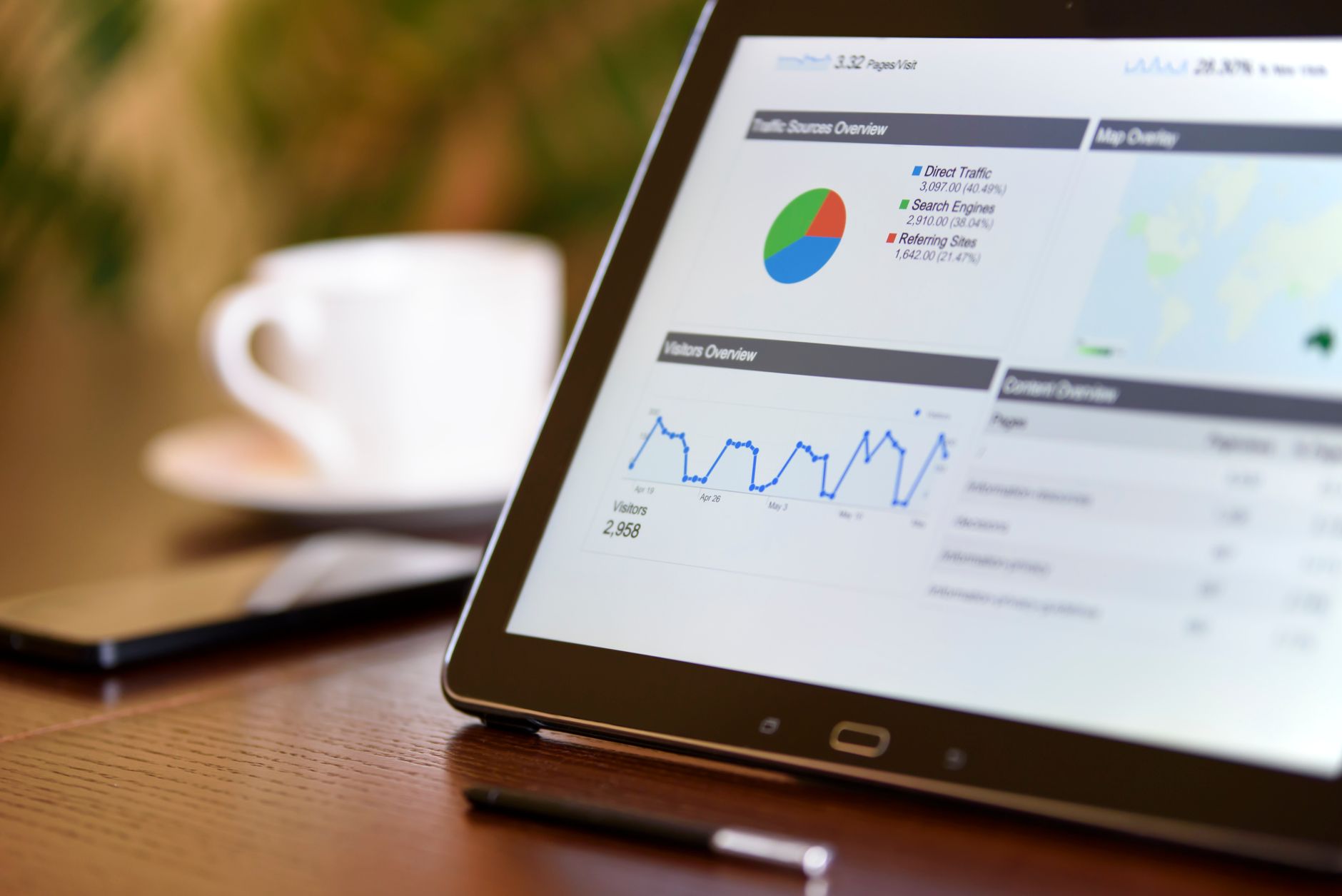
A creator loses a follower and it barely registers. People follow and unfollow accounts all day for reasons that have nothing to do with the content. A business account loses a follower and the question is different: was that a customer? Did we do something to lose them? Most brand and small-business accounts never actually answer that, because Instagram gives them the same blank follower count everyone else gets, with zero explanation of who left or why.
The follower count means something different for a business
For a personal or creator account, follows and unfollows are mostly noise. People clean out their feed, get bored, or move on for reasons unrelated to you. For a business account, every follower arrived through a specific channel: a post, a friend's tag, an ad, an in-store sign, a partnership shoutout. When one of them leaves, there was usually a reason, even a small one. A cluster of unfollows in the same week is rarely coincidence.
Common events that tend to cluster unfollows on a business account:
- A price increase or subscription change customers didn't expect
- A public customer service complaint that went unresolved
- A partnership or sponsorship the audience reacted to badly
- A product recall, defect, or quality issue that spread
- A tone or content shift that stopped matching what people originally followed for
None of that is visible in the follower count alone. Instagram shows you 4,812 followers today and 4,780 tomorrow. It never shows you which 32 people left.
Why the signal gets missed at business scale
Individual creators notice a drop because they are the only one watching the number. Business accounts are usually managed by more than one person, a marketing coordinator, an agency, occasionally a rotating cast of interns, and that split attention means slow bleeds go unnoticed for months. New-follower growth from ads can also mask the problem entirely: a business can gain 200 followers from a paid push in the same month it loses 150 organic ones, and the net number still climbs. Nobody flags the 150, because the top-line metric looks fine.
That's the trap. A rising follower count and a shrinking, disengaged base of actual customers can happen at the same time, and the only way to tell the difference is to look at who specifically came and went, not just the total.
The agency problem: whose password is it anyway
If an agency or freelance social manager runs the account, the stakes around how you check this go up, not down. A follower-tracking tool that asks for the Instagram password works the same way whether it's your personal account or a client's business account: it logs in and pulls data through Instagram's private API, which violates Instagram's Terms of Use and risks the account getting flagged. For a personal account, that's an inconvenience. For a business account with real revenue behind it, a suspension is an emergency, and it's one an agency caused by handing a client's login to a third-party app for no good reason.
This is where an export-based, open-source tool matters more, not less, at business scale. WhoUnfollowed's parser is open source under MPL-2.0, so an agency evaluating it on behalf of a client isn't taking a vendor's word for what happens to the data. They, or the client's own developer, can read the code that touches it. That's a different conversation with a security-conscious client than "trust us, we don't store anything."
How to actually track it
The mechanism is the same one that works for a personal account, applied on a schedule. Instagram is required under GDPR to hand over a full copy of a business account's own data on request, including the complete followers and following lists, a right laid out directly in Article 20 of the GDPR. Export it monthly, or right after any moment likely to move the needle: a price change, a PR moment, a big campaign launch. Upload each export to WhoUnfollowed and compare it against the last one. You get the exact list of who left in that window, not just the delta in a number.
What to do with the list
Names alone don't tell you why someone left, but a pattern across names often does. If a wave of unfollows lines up with a specific post, comment thread, or announcement, that's worth a look, especially if it repeats. If the unfollows are scattered and gradual, it's probably ordinary churn, the same background noise every account has, and not worth chasing.
The bottom line
A business account has more reason to know who's leaving than almost any other kind of account, because behind the number are actual customers, not just an audience. The tool to find out is the same one that works for anyone: your own official export, read locally, compared over time. No login handed to a third party, and for an agency managing someone else's account, nothing to explain to a client except that the code is public if they ever want to check for themselves.

