GuideSeptember 26, 20264 min read

WhoUnfollowed Blog

If Someone Unfollows You and Refollows Fast, Will You Still Catch It?

If someone unfollows you and follows again before your next export, the comparison will show nothing happened, even though it did. Here is why that gap exists, and the only way to actually catch one.

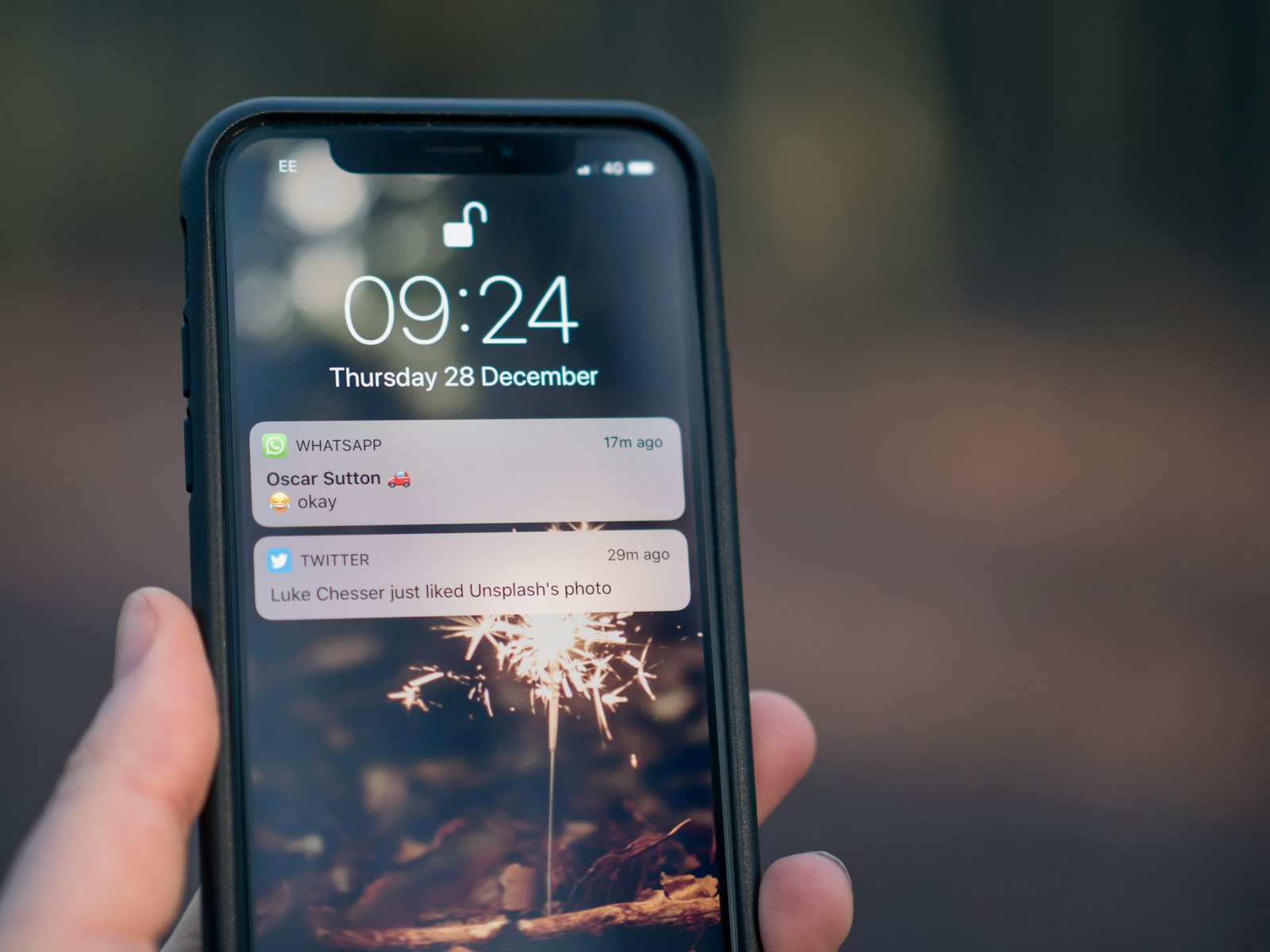
A phone lock screen showing push notifications from messaging and social apps, representing the alert Instagram never sends for a follow change

No, not reliably. If someone unfollows you and follows again before you take your next export, they will be present in both snapshots, and a comparison between the two will show nothing happened, even though it did. This is a real blind spot in any snapshot-based method, including comparing two Instagram data exports by hand.

Why a Fast Unfollow-Refollow Disappears From Any Comparison

Comparing two exports works by checking which usernames appear in one list but not the other. That is genuinely all it can check, because a data export is a snapshot of your current followers at the exact moment you requested it, not a timestamped log of every change since your last one. If a name is on both lists, the comparison has no way to know whether that person followed you continuously the whole time or briefly left and came back. Both look identical from the outside.

How Is This Different From a Regular Unfollow?

A regular, lasting unfollow works because the person is missing from your most recent export. That absence is exactly what the comparison is built to detect, covered in full in how to see who unfollowed you on Instagram. A quick unfollow-and-refollow never creates that absence in the first place, since by the time you take your next export, they are back on the list. The method only sees what is missing at the moment you check, not what happened in between.

Does Instagram Track This Somewhere Else?

No. Instagram does not expose a history of past follow changes anywhere in the product, as of September 2026, whether that is a notification, an activity log, or a field inside the data export itself. Instagram's own Help Center confirms unfollowing sends no notification in either direction, and the export contains only your current state, not a change log, the same gap covered in does your Instagram data export show who unfollowed you. If it is quick enough, it can pass by unnoticed on both ends. That is also true in the other direction: if you are the one doing the unfollowing and refollowing, whether the other person could tell is its own separate question.

Is There Any Way to Actually Catch It?

The only lever that helps is shortening the gap between your exports. The less time between two snapshots, the smaller the window during which a quick unfollow-refollow can hide entirely. Checking more often narrows that window, though it cannot close it completely unless you happen to export at the exact right moment. A passive signal can sometimes hint at it too. If someone briefly drops off your Close Friends story views and then reappears, that is one of the few outside clues that something happened between your checks, even without an export to prove it.

In Short

  • A quick unfollow and refollow between two exports will not show up as an unfollow, because the person is present in both snapshots you are comparing.
  • This is a structural limitation of any snapshot-based comparison, not a bug specific to one tool or method.
  • Instagram exposes no record of past follow changes anywhere, including inside the data export itself, so there is no alternate source to check.
  • Taking exports more often narrows the window in which a fast unfollow-refollow can hide, even though it cannot guarantee catching every case.
  • Your right to request that export in the first place comes from GDPR Article 20, the same legal basis every snapshot-comparison method relies on.

The honest answer is that no export-based method, including this one, can promise to catch everything that happens between two checks. What it can do is shrink that gap until it barely matters. Upload your export to WhoUnfollowed and it compares your snapshots in your browser, no password required, and shows you everything the gap between them can actually reveal.


Frequently asked questions

If someone unfollows me and refollows quickly, will a follower tracker catch it?

Not reliably; if they follow again before your next export, they will appear in both snapshots and the comparison will show no change at all.

Why does a fast unfollow and refollow not show up in an export comparison?

A comparison only checks whether a username is present in each snapshot, so anyone who left and came back before the second snapshot looks identical to someone who never left.

Does Instagram keep any record of a quick unfollow and refollow?

No, Instagram does not expose a history of past follow changes anywhere, including inside the data export it gives you.

How can I actually catch a quick unfollow and refollow on Instagram?

Take exports more often, so the two snapshots you compare are closer together and more likely to straddle the exact moment it happened.

Is this a limitation specific to one tracker, or true of any method?

It is true of any method based on comparing two point-in-time snapshots, including manual comparison, not a limitation specific to one app.

Close the gap between exports.

A quick unfollow and refollow only slips past a comparison that is spaced too far apart. Keep a fresher pair of exports on hand and WhoUnfollowed will catch more of what happens in between, in your browser, with no password.

Check your follower history

Pro keeps a running history of every export you take, so shortening the gap between snapshots does not mean remembering to do it manually. See Pro β†’

Part of a guide
Read the full guide
Who Unfollowed You on Instagram? How to See (Without Getting Banned) β†’
→Why Did I Lose Followers Overnight on Instagram?→How to See Who Doesn't Follow You Back on Instagram (Free, No App)→Does Instagram Notify Someone When You Unfollow Them?→Can You See Who Unfollowed You on Instagram?→Deactivated, Deleted, or Blocked? How to Tell What Happened on Instagram→Someone Followed You, Then Unfollowed? The Follow/Unfollow Method→Instagram Unfollow Checker: How to Check Who Unfollowed You (Free)→Is There a Free App to See Who Unfollowed You on Instagram?→How to See Who Unfollowed You on Instagram Without Them Knowing→How Often Should You Check Who Unfollowed You on Instagram?→I Unfollowed Someone on Instagram, But It Still Shows Me Following Them→The Instagram "Great Purge" of 2026: What Happened to Everyone's Followers→Why Doesn't Your Instagram Follower Count Match What a Tracker Shows?→Why Your Instagram Instants Audience Keeps Shrinking→Does Instagram's "Audience Connections" Show Who Unfollowed You?→Does Unfollowing Someone Remove Them as Your Follower?→Can You See Who Unfollowed You on a Private Instagram Account?→Instagram's "Following Categories" Show Who You Ignore. Does It Show Who Unfollowed You?→Does Blocking Someone Count as Unfollowing Them on Instagram?→Can Someone Tell If You Unfollowed and Refollowed Them on Instagram?→Do Businesses Need to Track Who Unfollows Them on Instagram?→Did They Unfollow You, or Just Start a New Instagram Account?→Mute, Restrict, or Unfollow on Instagram: What's the Difference?→Did I Accidentally Unfollow Someone on Instagram? How to Check→Did They Unfollow You, or Did Instagram Ban Their Account?→Why Did My Ex Unfollow Me on Instagram? What the Timing Tells You→Is It Normal to Lose Followers Every Day on Instagram?→Will Someone Unfollow Me Back If I Unfollow Them on Instagram?→How to Compare Two Instagram Follower Lists Manually→If Someone's Close Friends Stories Disappeared, Did They Unfollow You?→Can Your Instagram Follower List Order Show Who Unfollowed You?
More from the blog
Why Did I Lose Followers Overnight on Instagram?
Read β†’
How to Download Your Instagram Data (Step by Step)
Read β†’
All posts
Will a Fast Instagram Unfollow-Refollow Still Show Up? | WhoUnfollowed